Grow your business with a BMS you can make your own
Add to your offer a platform you can use to connect, configure, control and automate your clients' buildings. Manage different projects remotely, adapt each deployment to its needs and deliver the whole experience under your own brand, while keeping control of the project and the client relationship.
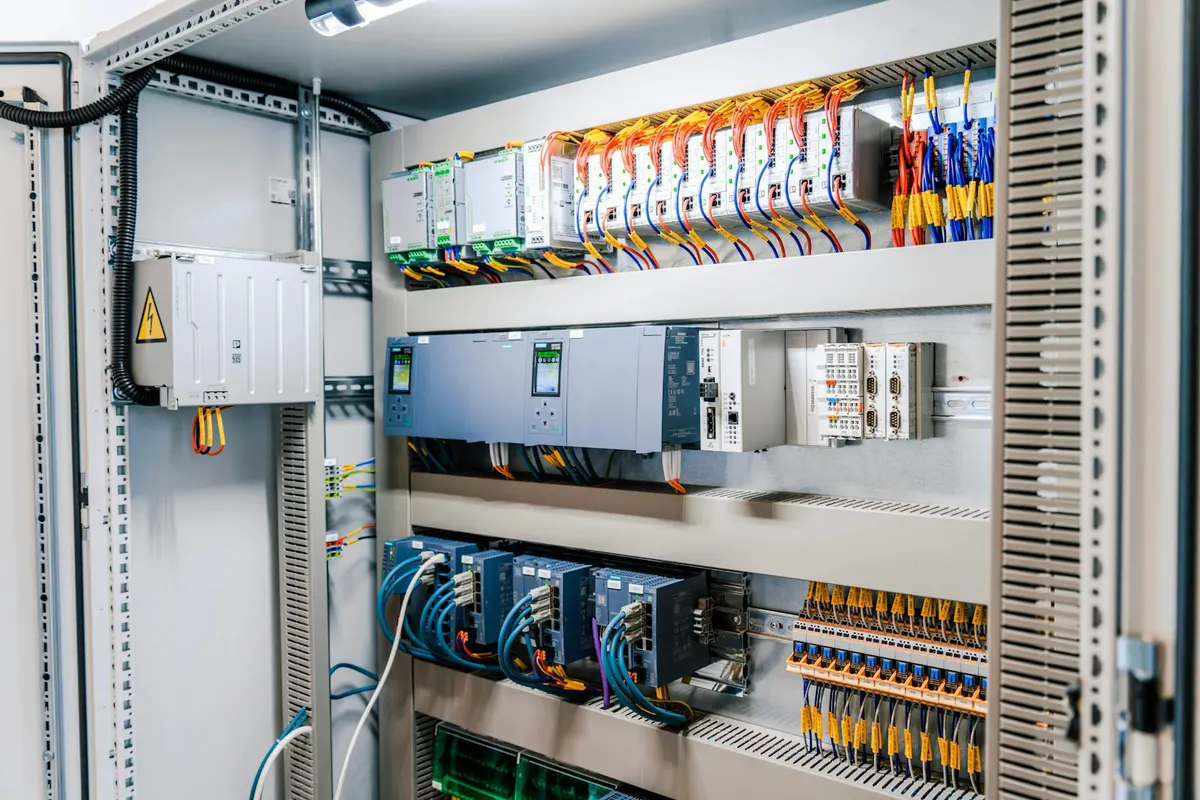
More projects. Less complexity. More value for your clients.
Take on a wider range of projects
Add a configurable BMS solution to work with buildings of different sizes, sectors and levels of complexity, especially existing buildings that need modernising.
Reuse your work and cut site visits
Configure and manage projects remotely, reuse configurations and automations, and avoid repeating tasks in similar buildings or installations.
Build recurring services
Keep adding value after commissioning through monitoring, maintenance, optimisation and remote support for your clients' buildings.
Connect whatever each project needs
Integrate devices and systems using Zigbee 3.0, LoRaWAN, Modbus TCP/IP and MQTT. When an installation uses other technologies, you can add third-party gateways or converters to connect them to edalsoBMS.
Combine equipment from different manufacturers in a single solution and use the edalsoBMS device library to reduce integration and configuration work.
You can also connect edalsoBMS to EMS platforms, SCADA systems, PLCs and external applications through the protocols, APIs or webhooks available on each project.
Interactive example: the edalsoBMS device library, with a search box. The results are examples of Zigbee 3.0, LoRaWAN, Modbus TCP/IP and MQTT devices from different manufacturers, each with its Add button. It also connects with EMS platforms, SCADA systems, PLCs and external applications, and with other technologies through third-party gateways or converters.
Device library
Interactive example- CO₂, temperature and humidity sensorZigbee 3.0 · Manufacturer A
- Outdoor CO₂ sensorLoRaWAN · Manufacturer B
- Three-phase energy meterModbus TCP/IP · Manufacturer C
- Fan coil thermostatZigbee 3.0 · Manufacturer D
- Door contact sensorZigbee 3.0 · Manufacturer A
- Supply temperature probeLoRaWAN · Manufacturer E
- HVAC unitMQTT · Manufacturer F
No results in this example
All your projects, from a single platform
Create and organise clients, buildings, floors and zones from the same environment. Add devices and configure calendars, alerts, automations, dashboards, interactive floor plans, users and permissions for each project.
Switch between installations without leaving the platform and keep each project separate, with its own structure, configuration, look and access.
Use existing configurations and templates as a starting point when a new project shares criteria with previous installations, while keeping the option to adapt it to its specific needs.
Structure
- ClientClient A
- BuildingHead office
- FloorFloor 1
- ZoneNorth Room
- DeviceThermostat
- BuildingBranch A
Configure and support without going on site
Remotely monitor the status, connectivity and configuration of the gateways, devices and connected systems on each project. View their data, history and any errors from a single environment.
Remotely change the schedules, permissions, automations and operating parameters configured on the platform, without going to the building.
Diagnose incidents before sending out a technician, respond faster and manage more installations without multiplying your team's site visits.
Your brand. Your clients. Your business.
Customise the platform with your logo, colours, domain and reports to offer an experience consistent with your company's identity.
Decide how to present and deliver the service, configure each client's access and keep control of the commercial and technical relationship. That way, edalsoBMS becomes part of your own offer without displacing your brand in front of the end client.
Independence for your team. Support when you need it.
Access the documentation and resources you need to configure, deploy and manage your projects independently.
When a project needs a specific integration or you need help analysing a complex incident, you can turn to the edalso technical team.
Take edalsoBMS to your next projects
Tell us what kind of buildings your clients manage, which systems you need to connect and how you want to deliver the service. We'll show you how to adapt edalsoBMS to your projects, manage them remotely and offer a complete solution under your own brand.
Frequently asked questions
Which technologies can I connect?
Zigbee 3.0, LoRaWAN, Modbus TCP/IP and MQTT devices and systems. When an installation uses other technologies, you can add third-party gateways or converters to connect them to edalsoBMS.
Can I manage several clients' projects from the same account?
Yes. You create and organise clients, buildings, floors and zones from the same environment, switch between installations without leaving the platform and keep each project separate, with its own structure, configuration and access.
Can I put my logo on the platform?
Yes. You can customise the platform with your logo or your client's.
Do I have access to the APIs and their documentation?
Yes. All clients and partners have access to the APIs and their documentation from within the platform, without having to request them.
What if I need help on a project?
When a project needs a specific integration or you need to analyse a complex incident, you can turn to the edalso technical team.