New build
Bring edalsoBMS in from the design stage to connect the equipment and prepare control and automations before the building comes into operation.
Use edalsoBMS to monitor and automate the homes and common areas of your buildings, cutting operating costs, responding to incidents sooner and offering a better residential experience.
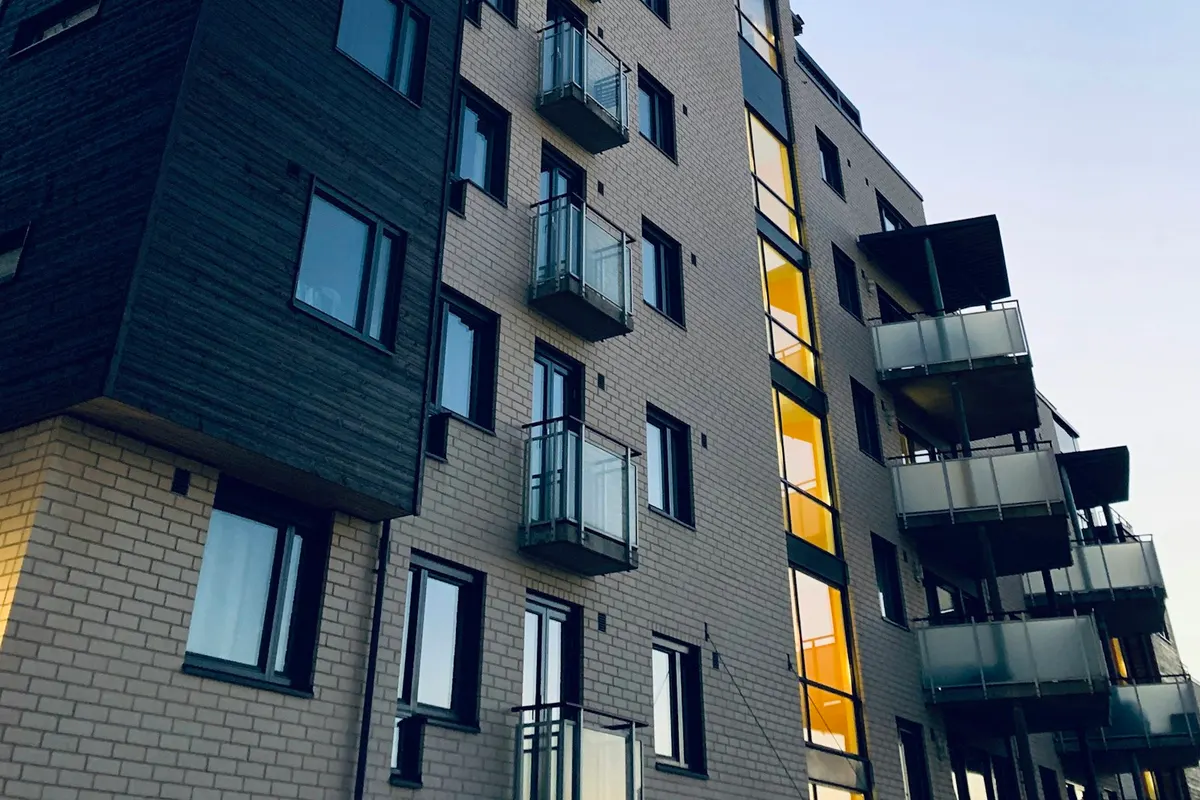
Avoid unnecessary consumption in common areas and empty homes, automate repetitive tasks and manage the whole building remotely.
Get alerts from the whole building, check remotely what's going on and save yourself the visit if it can be fixed remotely.
Keep the right HVAC, lighting and air quality conditions to offer more comfortable, better managed homes.
Monitor your buildings from a single platform and access the detail of each home or common area. Bring consumption, status, connectivity and incidents together to understand what is happening and act remotely.
| 1AFloor 1 | Online | 236 kWh/month | 0 | 0 |
|---|---|---|---|---|
| 2CFloor 2 | Online | 24 kWh/month | 0 | 0 |
| 3DFloor 3 | With incidents | 288 kWh/month | 2 | 1 |
| 4AFloor 4 | Online | 205 kWh/month | 0 | 0 |
| 5CFloor 5 | Critical incident | 254 kWh/month | 1 | 1 |
Your residents use the equipment in their home just as they would in any house, and can also manage HVAC, lighting, their consumption and the access they have been granted from their phone. Permissions set how far that control goes, and automations improve efficiency and comfort without taking away their independence.
Interactive example with sample data: the resident's app for flat 3A. They can change the temperature (22 °C) and switch the living room light on or off, see their consumption for the month (186 kWh) and open the doors they are authorised to use: the entrance, the car park and their storage room. Their permissions are limited to their flat and its access points. Home appliances are still used by hand.
My flat
Flat 3A · Building A
Create a template and apply it to homes or zones that work in a similar way, without configuring them one by one. When you need to change their logic, update the template and sync the automations from one place.
Instances · 4
Bring edalsoBMS in from the design stage to connect the equipment and prepare control and automations before the building comes into operation.
Modernise the building gradually, starting with priority needs and making use of existing equipment and systems wherever possible.
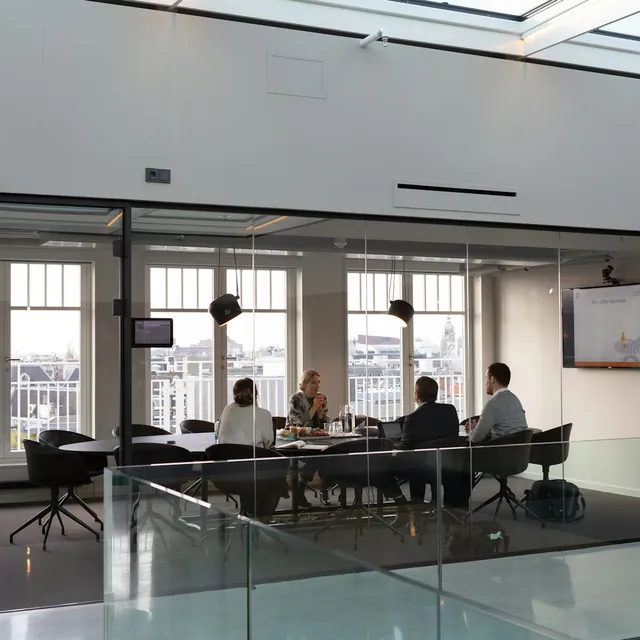
Centralise your portfolio, understand how each building is performing and make decisions with the full picture.

Monitor your building systems, centralise incidents and resolve more problems remotely.
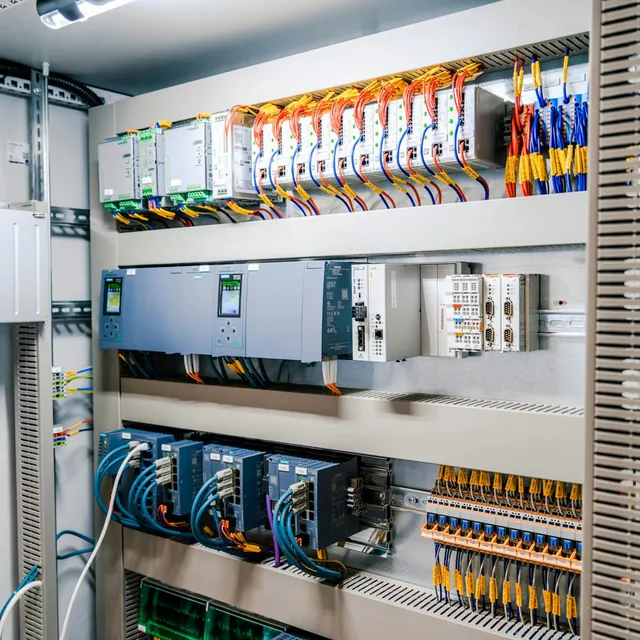
Configure and manage projects for different clients with a flexible, scalable and customisable platform.

Add building management, control and automation to your solutions through APIs and integrations.
Tell us about your Build to Rent project. We'll show you how to centralise its management, automate the homes and give your residents more control.
Yes. They use the equipment in their home just as they would in any house, and can also manage HVAC, lighting, their consumption and the access they have been granted from their phone. Permissions set how far that control goes.
You get alerts from the whole building, check remotely what's going on and save yourself the visit if it can be fixed remotely.
No. You create a template and apply it to homes or zones that work in a similar way. When you need to change their logic, you update the template and sync the automations from one place.
Yes. The building is modernised gradually, starting with priority needs and making use of existing equipment and systems wherever possible.
Yes. edalsoBMS is brought in from the design stage to connect the equipment and prepare control and automations before the building comes into operation.