More efficient schools. Classrooms ready for learning.
Control energy consumption, HVAC and air quality across your schools from a single platform, and keep the right conditions in every classroom.
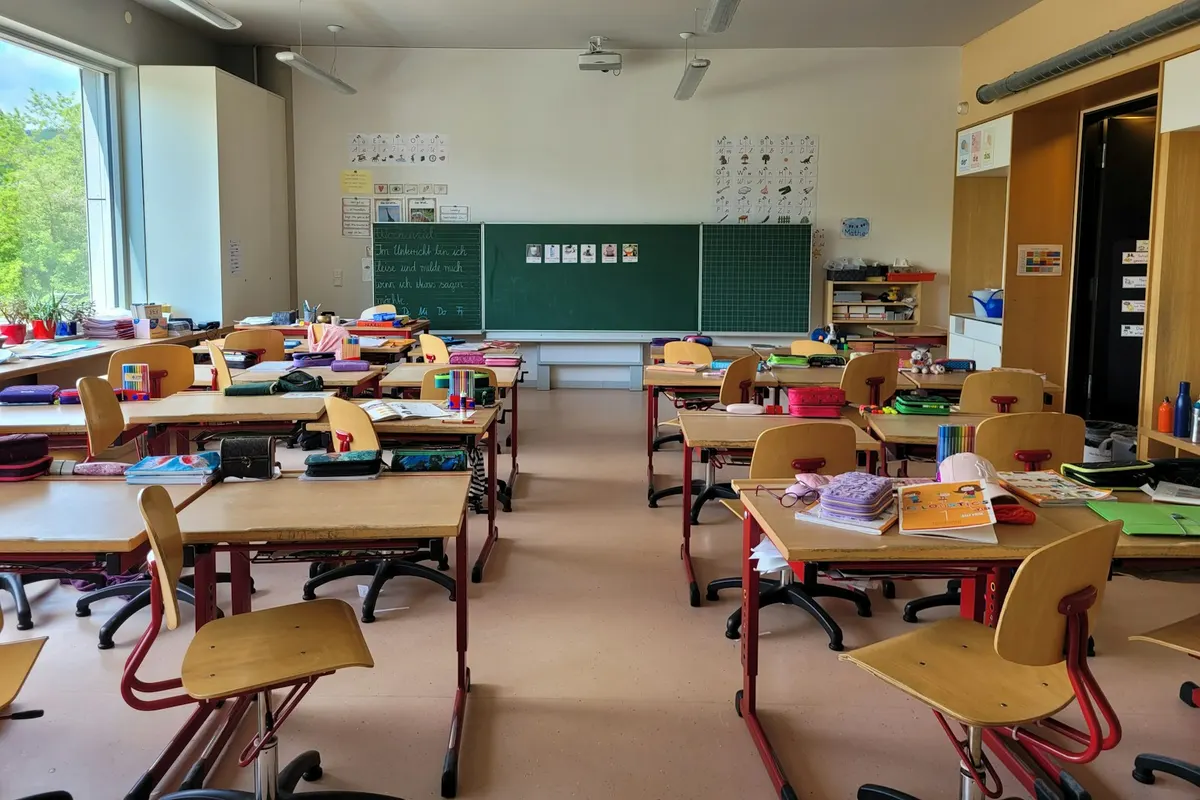
Less energy. More control. Better conditions in the classroom.
A school that saves when there are no lessons
Public holidays, school holidays, hours outside the timetable or empty classrooms: at those times, HVAC, lighting and other equipment don't need to keep running.
Keep conditions right
Monitor temperature, humidity and air quality to know the state of each classroom and keep a comfortable environment throughout the school day.
Respond to problems sooner
Get alerts when a piece of equipment stops responding or conditions drift from the set values, and check remotely what is happening.
The building follows the rhythm of the school calendar
Bring school timetables, public holidays, school holidays and special periods together in one place to adapt HVAC, lighting and ventilation automatically to each school's activity. When a timetable or date changes, update it just once and every linked automation adapts.
Interactive example with sample data: the calendar for the 2026–2027 school year, from September to June, with school days, shorter days in September and June, and the Christmas and Easter holidays. If you mark a day as a non-school day, the three linked automations (classroom HVAC, corridor lighting and classroom ventilation) update automatically.
School calendar
School year 2026–2027
Click a school day to mark it as a non-school day
Linked automations · 3
- Classroom HVACUp to date
- Corridor lightingUp to date
- Classroom ventilationUp to date
Don't wait for an incident to interrupt a lesson
Detect offline equipment, low batteries, abnormal consumption, or temperature and air quality conditions outside the set values.
Alerts can notify the team in charge and automatically open an incident with the information needed to act. When conditions return to normal, the system can also close it without any manual intervention.
Your schools, right down to each classroom
Follow the status, consumption, air quality and incidents of each of your schools, and drill down to the specific floor, classroom or piece of equipment when something isn't right.
| School AValencia | Online | 98 kWh/m² · year | 720 ppm | 0 |
|---|---|---|---|---|
| School BValencia | With incidents | 112 kWh/m² · year | 940 ppm | 2 |
| School CTorrent | Critical incident | 128 kWh/m² · year | 980 ppm | 3 |
| School DPaterna | Online | 82 kWh/m² · year | 690 ppm | 0 |
| School ESagunto | With incidents | 104 kWh/m² · year | 810 ppm | 1 |
From data to better decisions for every school
Compare consumption, temperature, humidity, CO₂ and other parameters between classrooms, schools and periods.
Identify the zones where poor conditions or high consumption keep recurring, and use this information to adjust timetables, ventilation and HVAC.
Example with sample data: the October average by classroom at School B. CO₂: classrooms 2A and 3B exceed the 1,000 ppm threshold. Temperature: classroom 3B is above the recommended range. Humidity: all within range. Suggestions: check the ventilation in 2A and 3B, and the HVAC in 3B.
Comparison by classroom
School B · October
What is your role in the building?
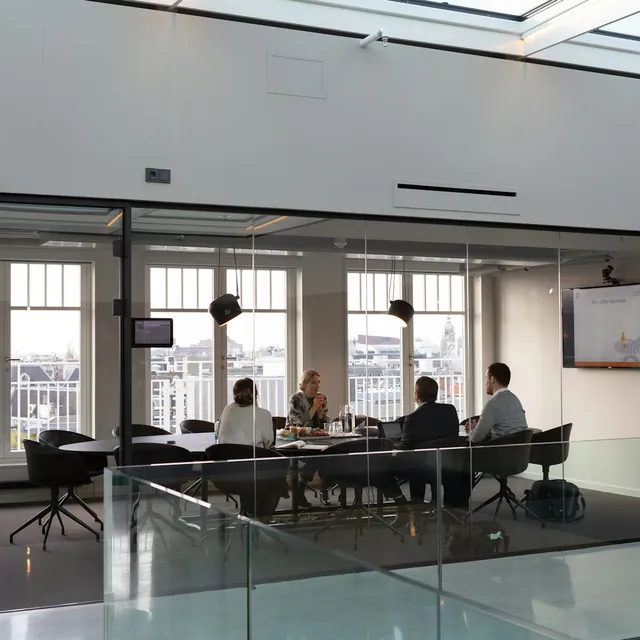
Owners and operators
Centralise your portfolio, understand how each building is performing and make decisions with the full picture.

Facility managers
Monitor your building systems, centralise incidents and resolve more problems remotely.
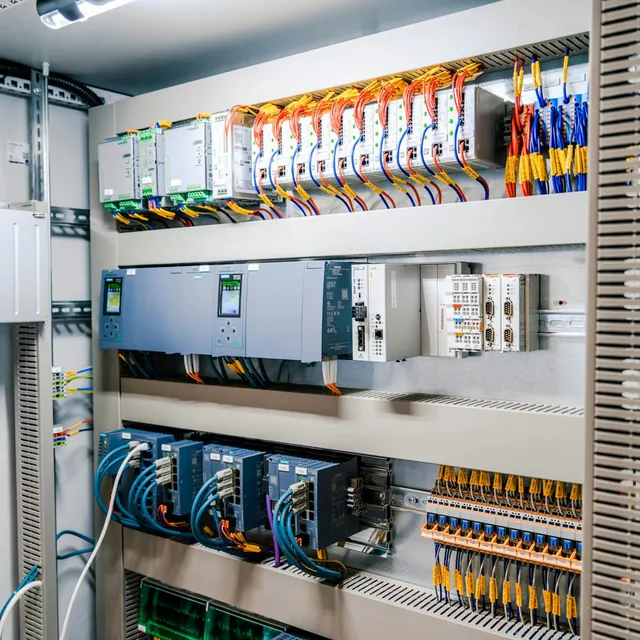
Integrators
Configure and manage projects for different clients with a flexible, scalable and customisable platform.

PropTech companies
Add building management, control and automation to your solutions through APIs and integrations.
Make your schools run better every day
Tell us how your schools work and we'll show you how to adapt edalsoBMS to their timetables, buildings and needs in energy, HVAC and air quality.
Frequently asked questions
Does the system adapt to the school calendar?
Yes. You bring school timetables, public holidays, school holidays and special periods together in one place, and HVAC, lighting and ventilation adapt to each school's activity. If a date changes, you update it just once and every linked automation adapts.
Can I see the air quality in each classroom?
Yes. You monitor the temperature, humidity and air quality of each classroom, and you can compare CO₂ and other parameters between classrooms, schools and periods.
What happens if a piece of equipment stops working?
You get an alert when a piece of equipment stops responding or conditions drift from the set values. The alert can notify the team in charge and open an incident with the information needed, then close it automatically when conditions return to normal.
Can I manage several schools from one place?
Yes. You follow the status, consumption, air quality and incidents of each of your schools, and drill down to the specific floor, classroom or piece of equipment when something isn't right.
Do the sensors identify pupils?
No. Presence and people-counting sensors detect people without identifying them: they show whether there are people in a classroom, or how many, not who they are.