Offices that adapt to the way people really work
Control energy, HVAC, lighting, air quality and occupancy from a single platform that adapts each zone to its schedules and real use.

Less energy. More comfort. An office that works better.
An efficient office, even when it's empty
Avoid spending on HVAC, lighting and other equipment once working hours are over, or in zones where nobody is working.
Keep conditions right
Monitor and adjust temperature, humidity and air quality to provide a comfortable environment in every work zone.
Make better use of your spaces
Analyse how desks, meeting rooms and common areas are used to spot under-used spaces and adapt their layout and operation.
Measure occupancy. Understand how your offices are really used.
Connect presence or people-counting sensors, which detect people without identifying them, to see current occupancy and analyse how desks, meeting rooms, floors and common areas are used over time.
Identify under-used spaces, the busiest zones and peak occupancy hours. Compare buildings and make decisions about the layout and operation of your offices based on real data.
Every zone runs when it's needed
Adapt HVAC, lighting and ventilation to the schedules, presence, occupancy and environmental conditions of each zone.
Get the offices ready before the working day starts, scale back operation when a floor empties, and avoid heating, cooling or lighting rooms that aren't in use, without constant manual adjustments.
Floor 2
Move the time and see how each zone responds
Interactive example with sample data: the floor plan of floor 2 throughout the day. At 7:30 the HVAC gets ready before the working day; during the day each zone switches on when it is occupied and empty rooms keep their equipment off; from 19:00, out of hours, the floor switches off.
Every site, compared with the others
See the status, consumption, occupancy, air quality and incidents of each site, and compare them to find out which makes the best use of its spaces. Then drill down into any floor, zone or piece of equipment.
| Head officeMadrid | Online | 92 kWh/m² · year | 48 % | 640 ppm | 0 |
|---|---|---|---|---|---|
| Branch ABarcelona | With incidents | 118 kWh/m² · year | 61 % | 820 ppm | 2 |
| Branch BValencia | With incidents | 104 kWh/m² · year | 39 % | 710 ppm | 1 |
| Branch CSevilla | Critical incident | 131 kWh/m² · year | 33 % | 760 ppm | 3 |
| Branch DBilbao | Online | 86 kWh/m² · year | 57 % | 600 ppm | 0 |
Smart offices without changing everything at once
Choose where to start: a floor, a system or a specific need. Then add HVAC, lighting, energy, air quality and access control. Reuse existing systems wherever possible and add devices where your office needs them, at the pace of its activity.
Roll-out
Head office · Floor 2
- EnergyExisting installationConnected
- HVACExisting installationConnected
- LightingNew sensorsIn progress
- Air qualityNew sensorsPlanned
- AccessExisting installationPlanned
- Other
What is your role in the building?
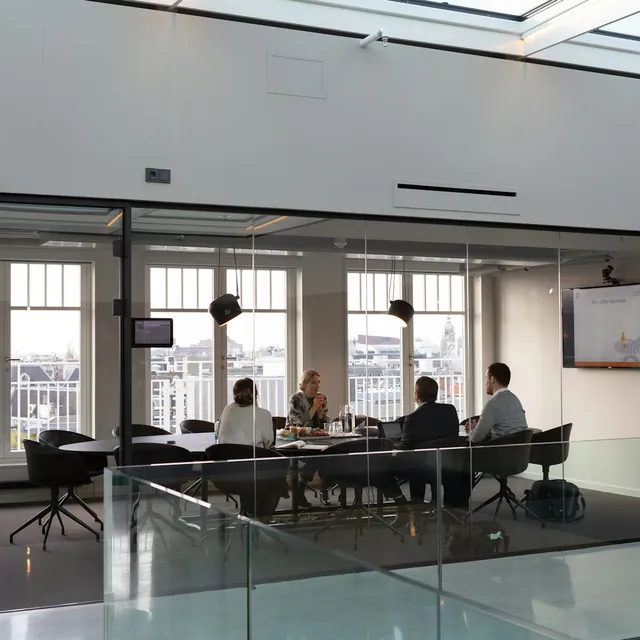
Owners and operators
Centralise your portfolio, understand how each building is performing and make decisions with the full picture.

Facility managers
Monitor your building systems, centralise incidents and resolve more problems remotely.
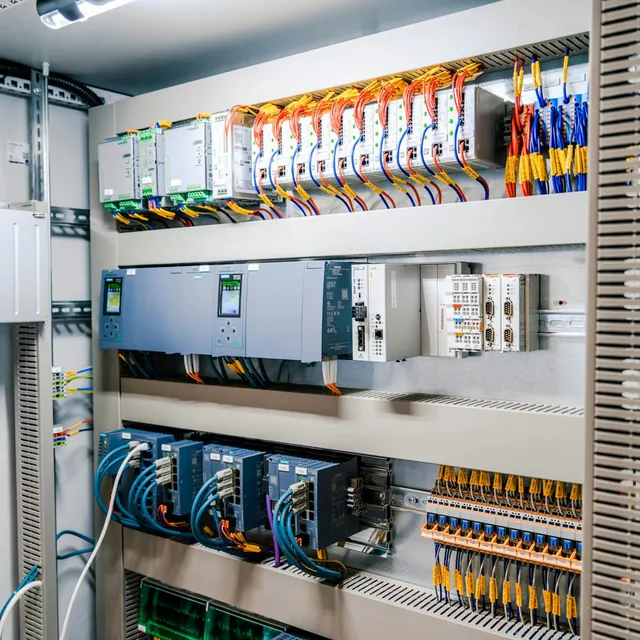
Integrators
Configure and manage projects for different clients with a flexible, scalable and customisable platform.

PropTech companies
Add building management, control and automation to your solutions through APIs and integrations.
Make your offices run at the pace of the people in them
Tell us how your office, coworking space or building portfolio works. We'll show you how to adapt its operation to the schedules, occupancy and real conditions of each zone.
Frequently asked questions
Do the occupancy sensors identify people?
No. Presence and people-counting sensors detect people without identifying them: they show how many people are in each zone, not who they are.
Can I use it if the office is rented and the HVAC belongs to the building?
Yes. You can start with what you manage yourself: a floor, a system or a specific need, and add devices where your office needs them.
Do I have to replace the systems I already have?
Not necessarily. edalsoBMS reuses existing systems wherever possible and only adds devices where they are needed.
Can I compare several sites?
Yes. You see the status, consumption, occupancy, air quality and incidents of each site, compare them with one another and drill down into any floor, zone or piece of equipment.
Where do I start?
Wherever you prefer: a floor, a system or a specific need. You can then add HVAC, lighting, energy, air quality and access control, at the pace of your office.